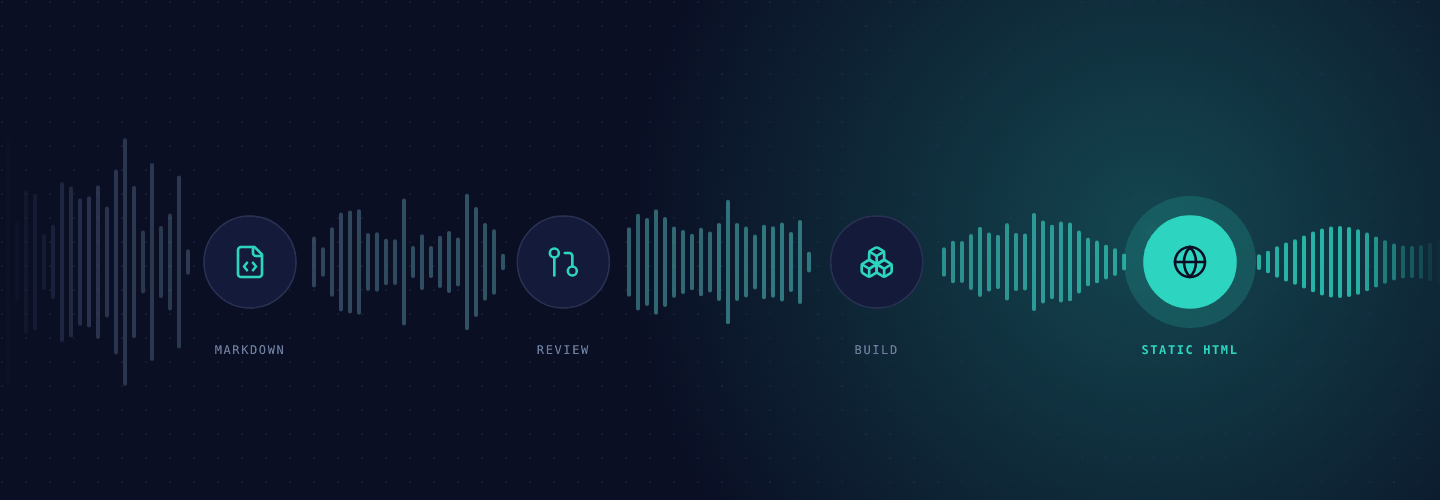
This is the first post on the Podscribe developer blog, so it covers the blog itself. The whole thing is a small static site. There is no server, no database and no admin panel to maintain.
The stack
- Astro renders Markdown files from
src/content/bloginto plain HTML at build time. - Tailwind CSS and the typography plugin handle layout and article styling. Dark mode is a
data-themeattribute on thehtmlelement. - Expressive Code renders code blocks with a copy button, and Mermaid turns fenced diagrams into SVG in the browser.
- Pagefind indexes the built pages, so search runs in the browser against static files.
- The same repository holds the API reference, a Starlight site served under
/api/on the same domain. The two sites share one theme package, and one build assembles both. - The hosting builds
mainon every push and serves the result at developers.podscribe.com. - A CMS gives editors a form for the frontmatter fields and a rich-text editor for the body. It commits straight to
main.
Why a git repository
Every post is a file. Reviews happen in pull requests, history is git log, and rollback is git revert. Engineers write in their editor; editors who prefer a form use the CMS. Both end up as the same Markdown.
What a deploy looks like
flowchart LR
  A[Save a post in the CMS] --> M[Commit lands on main]
  B[Open a pull request] --> C[CI: lint, types, tests, site build]
  C -->|green| M
  M --> H[Hosting builds the blog and the API reference]
  H --> D[developers.podscribe.com updates]
Code changes go through a pull request, and CI has to pass before it can merge. A CMS save skips the queue and lands on main directly. Either way the hosting picks up the commit and rebuilds both sites in about two minutes. If a post has a broken frontmatter field the build fails and the previous version stays live.
Every post is also Markdown
Append .md to any post URL to get the raw source, and see /llms.txt for the full list. That makes the blog easy to feed to an assistant or a search index.